
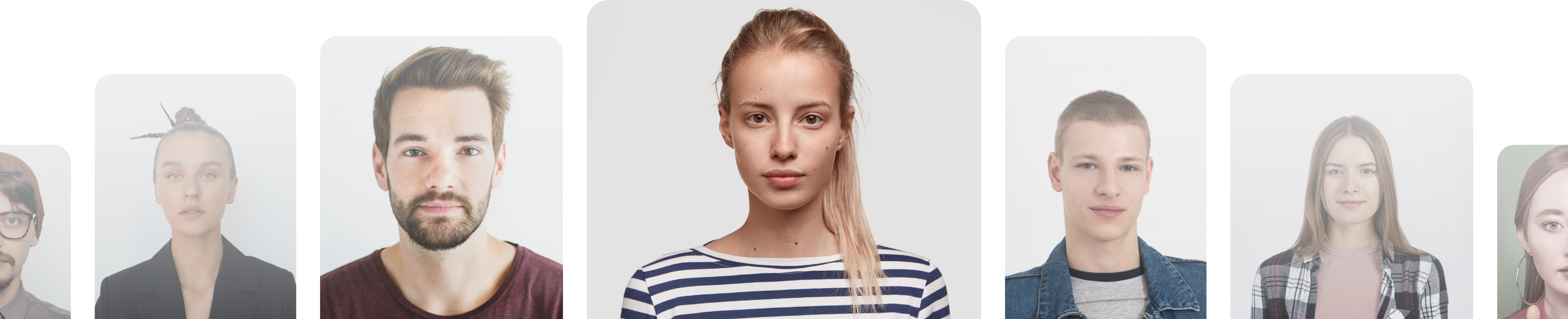

저희 서비스는 어떻게 작동하나요?
사진 촬영 또는 업로드
이미 가지고 있는 사진을 사용하거나 새로 촬영하세요. 저희가 다시 한번 확인하여 모든 규격 검사를 통과하도록 해 드립니다.
사진 확인
크기, 자르기, 머리 위치, 배경 등 공식 요건에 정확히 맞게 사진을 세밀하게 조정해 드립니다.
사진 전송
사진 전송 준비가 완료되었습니다. 디지털 사진과 인쇄용 파일을 다운로드하실 수 있습니다.
사진 처리 도구는 어떻게 작동하나요?
1단계
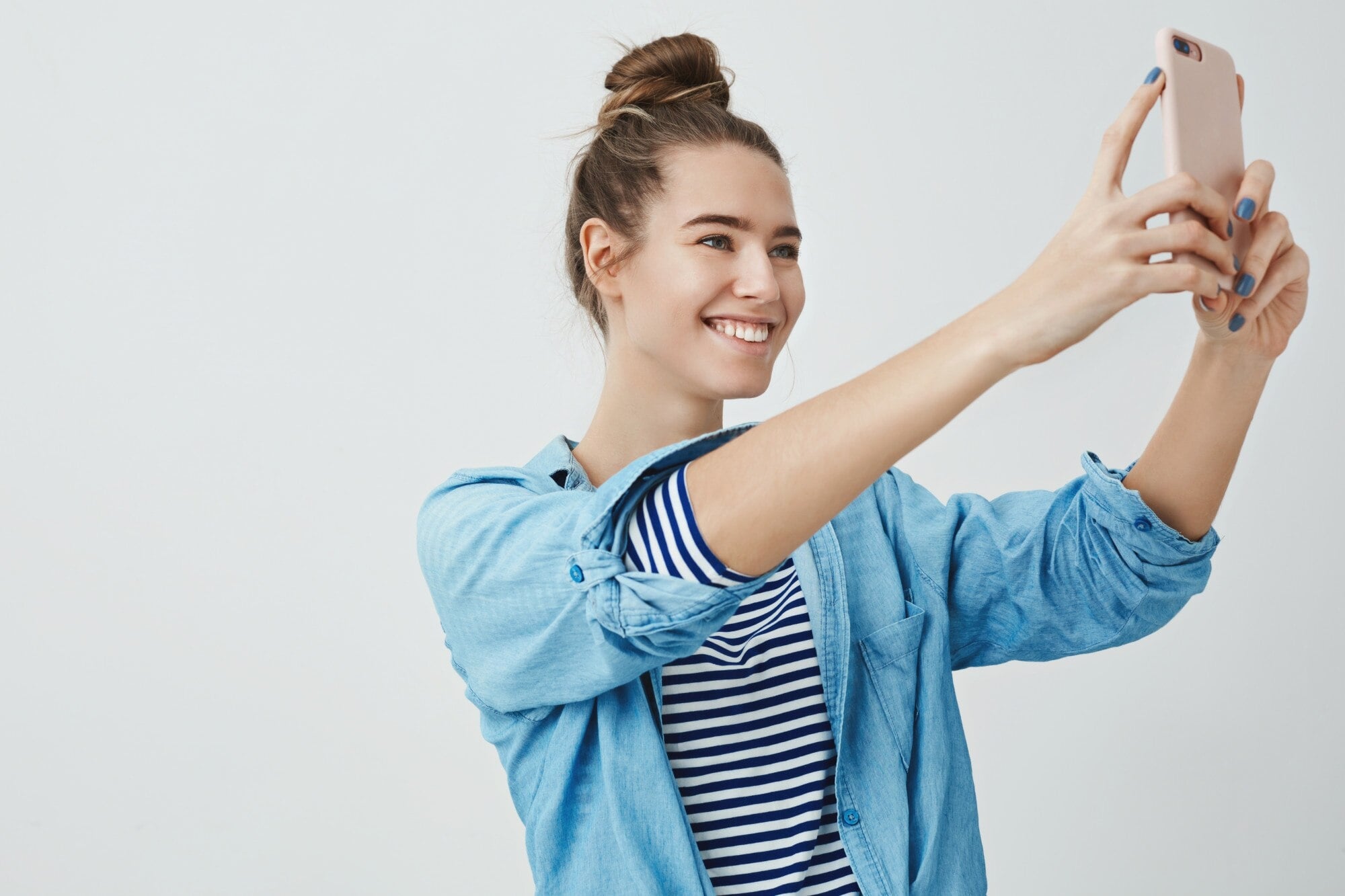
사진 촬영 또는 업로드
휴대폰이나 사진 보관함에서 셀피나 인물 사진을 바로 업로드하세요. 스튜디오가 필요 없습니다.
2단계
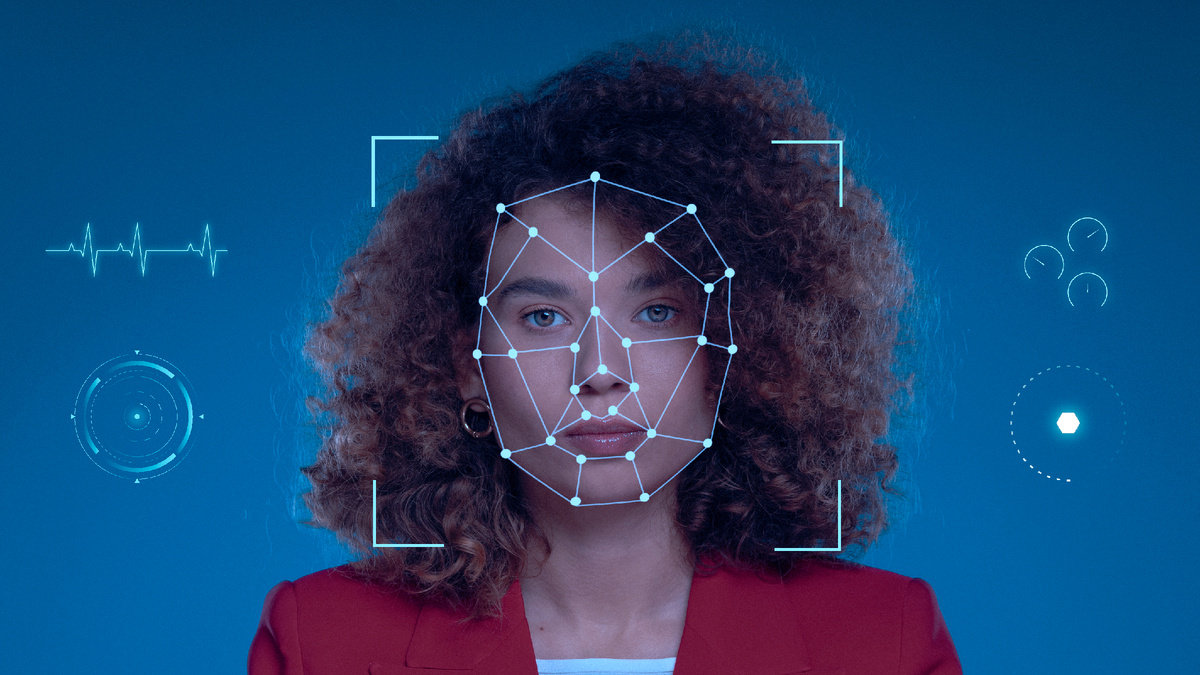
사진 확인
이 도구는 문서의 정확한 크기에 맞게 자르고, 머리를 중앙에 배치하며, 깨끗하고 규격에 맞는 배경을 제공합니다.
3단계
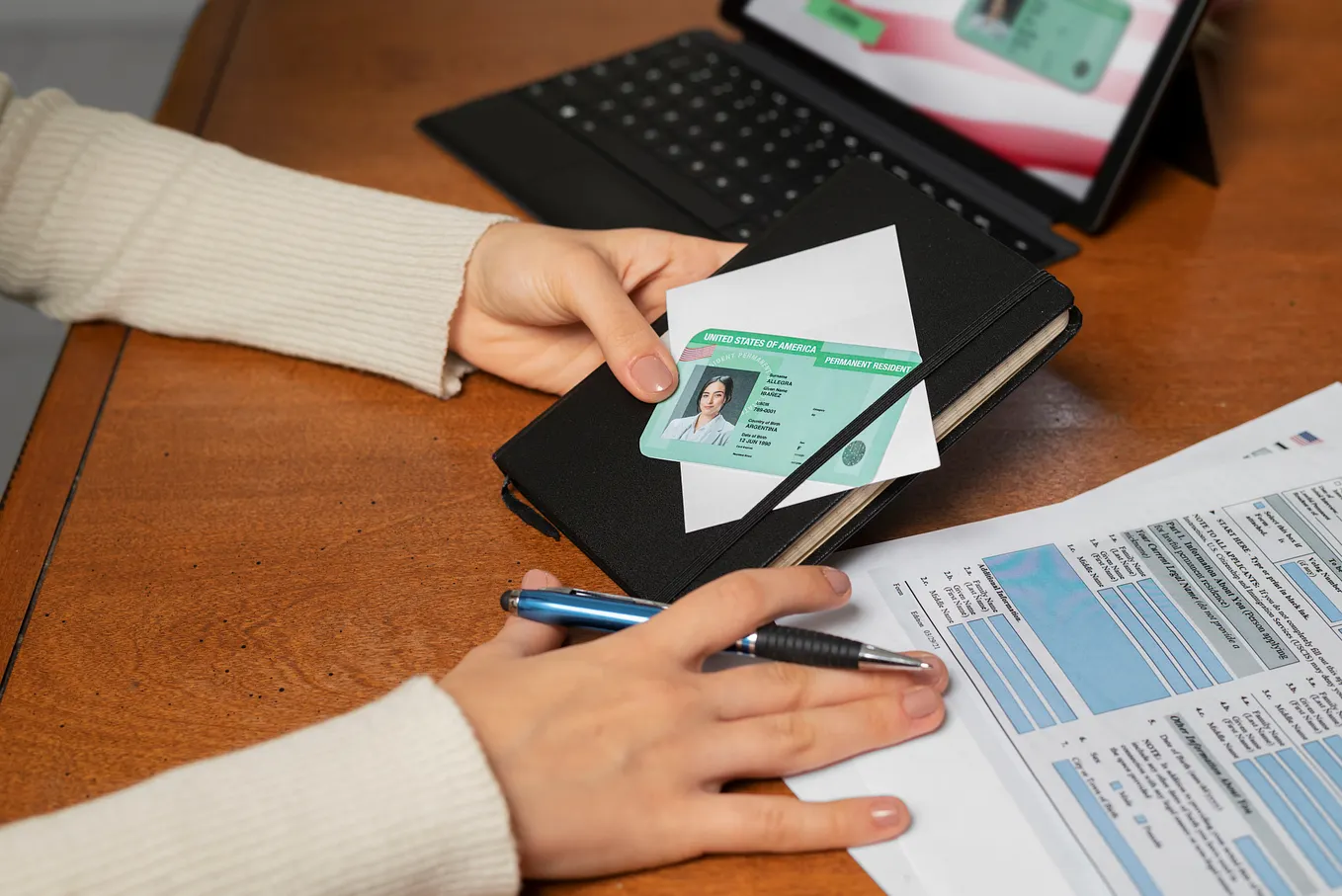
사진 전송
인쇄 준비가 된 파일과 온라인으로 제출하거나 집에서 인쇄할 수 있는 디지털 사본을 몇 분 안에 다운로드하세요.
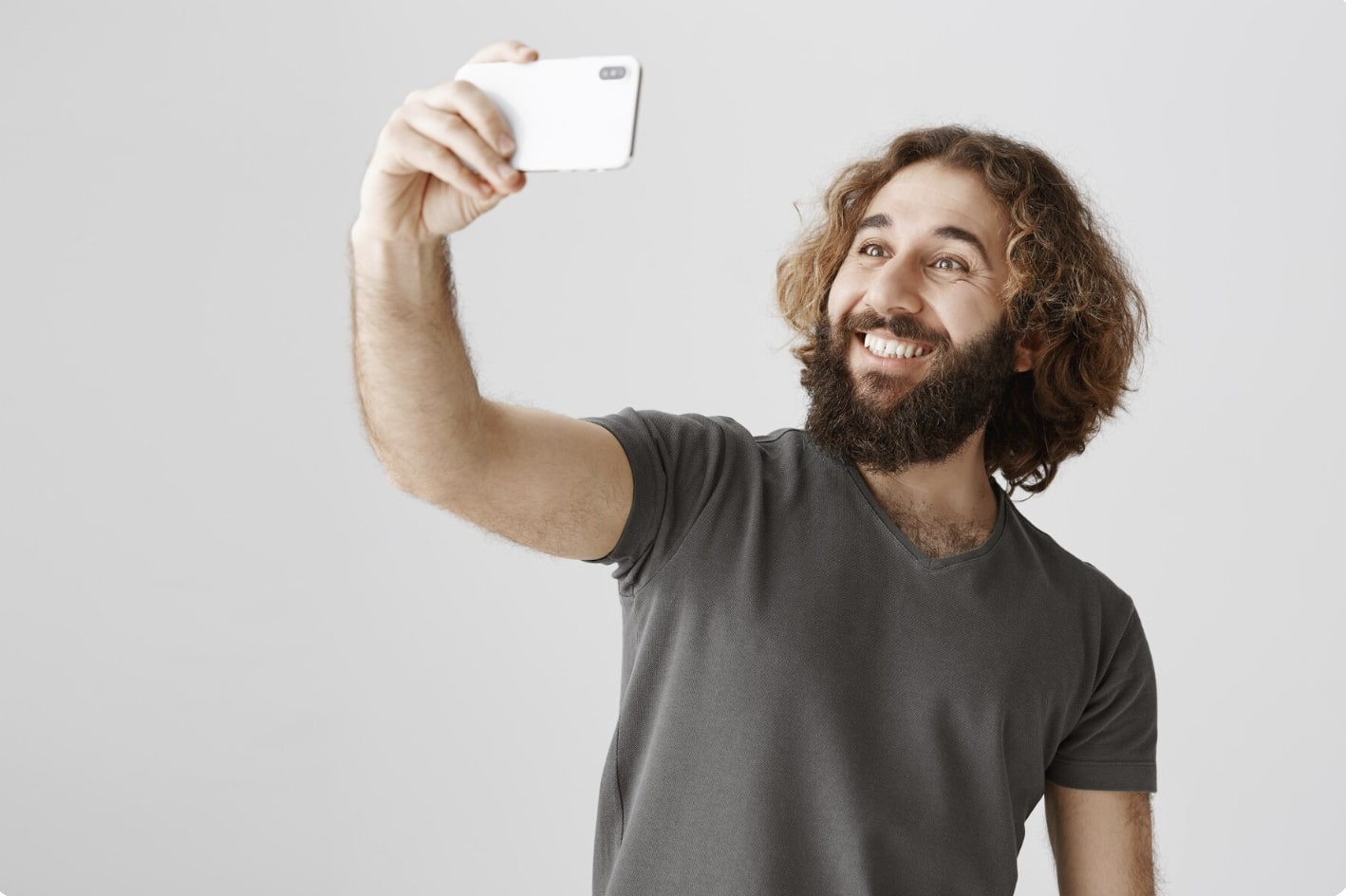
1
적절한 거리를 유지하세요
전면 카메라는 얼굴에서 16-20 inches (40-50 cm) 떨어뜨려 주세요. 후면 카메라는 4-6 feet (1-2 meters) 거리를 유지하세요.
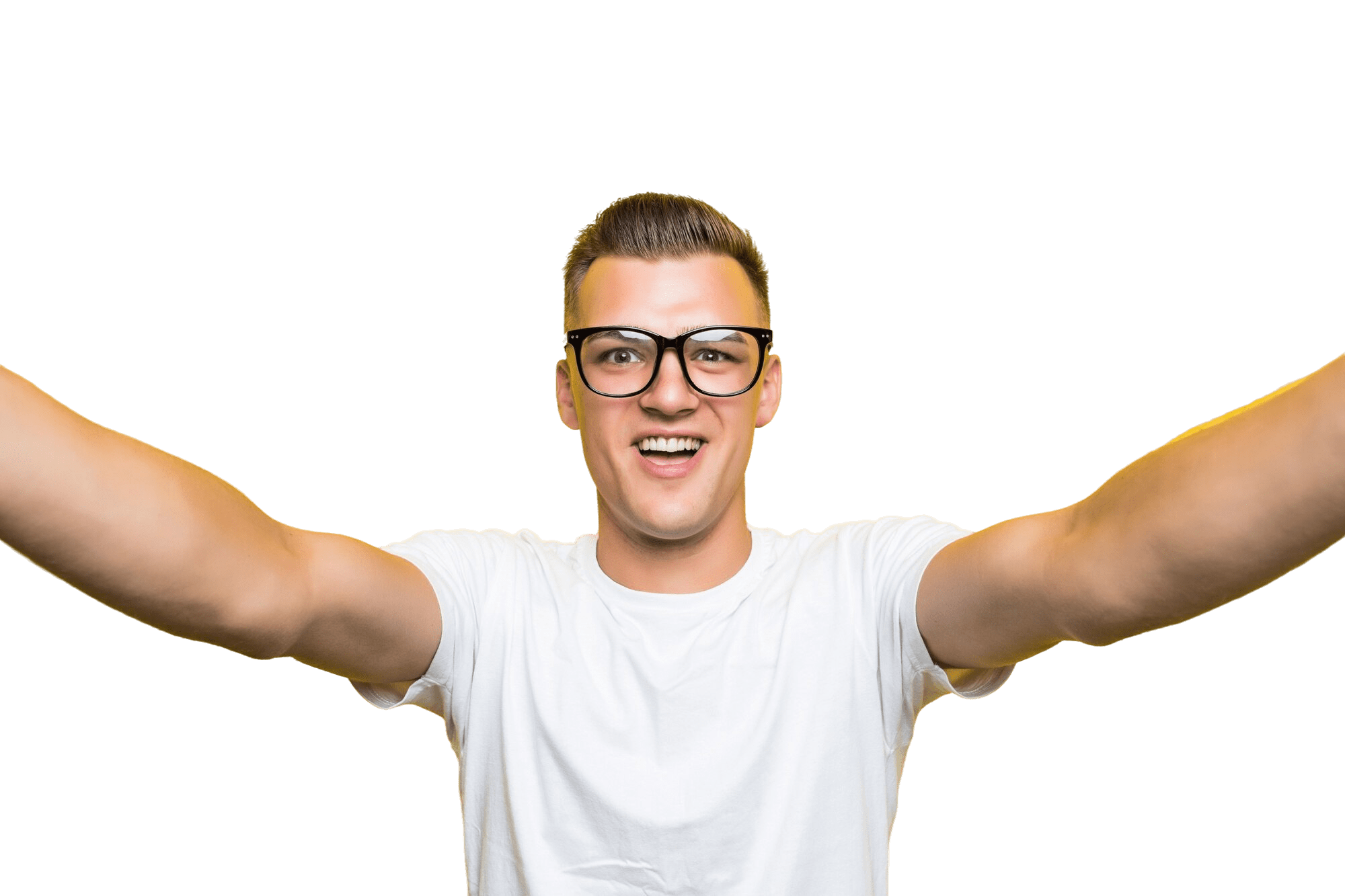
2
머리와 몸을 똑바로 세우세요
카메라를 똑바로 바라보고 몸을 기울이지 마세요. 인물 사진 모드는 여권 사진에 적합하지 않다는 점을 기억하세요.
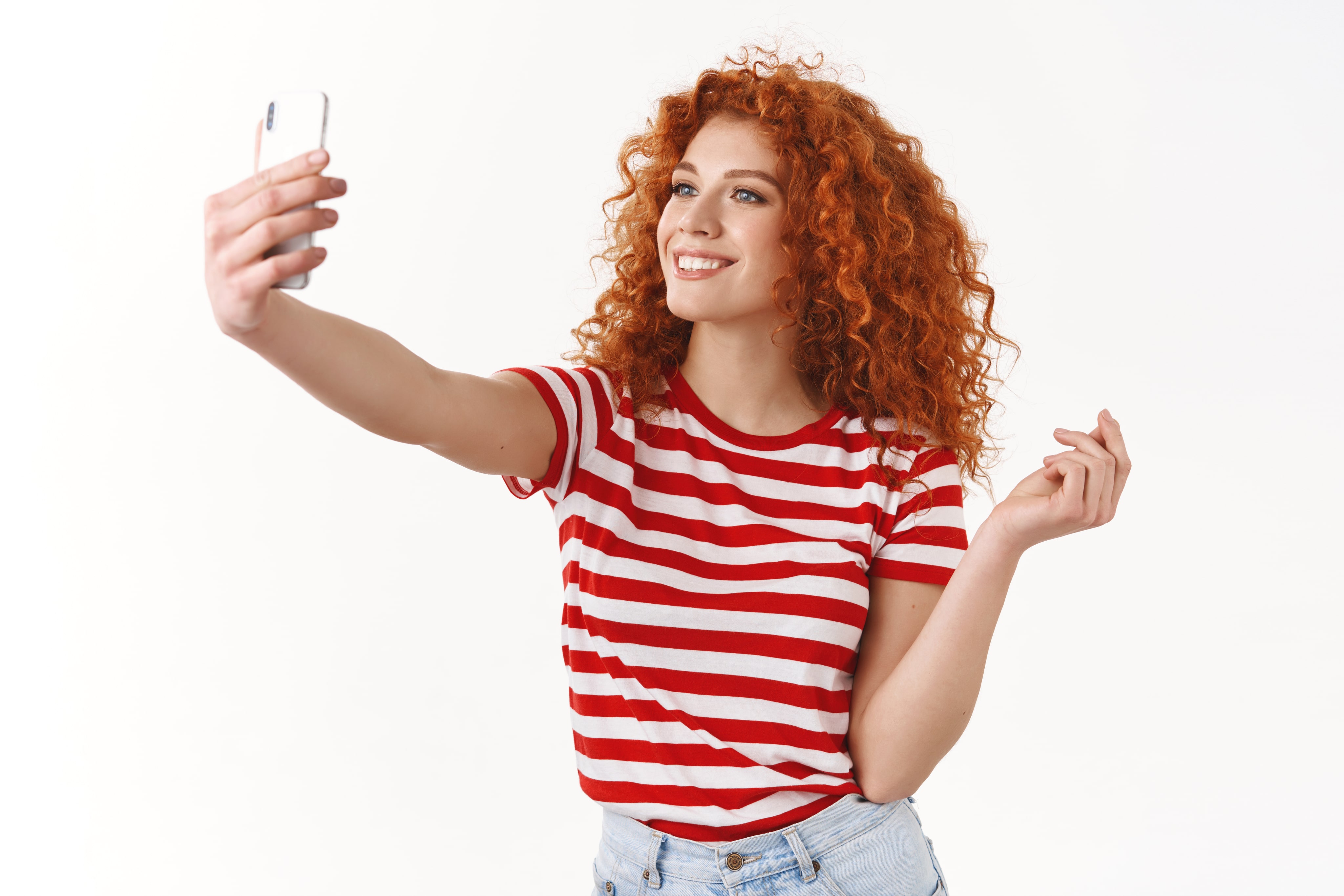
3
좋은 조명을 준비하세요
예를 들어 맑은 날 창가에서와 같이 자연광에서 여권 사진을 촬영하세요. 얼굴이나 배경에 그림자가 있으면 안 됩니다.
촬영 팁
무늬, 가구, 다른 사람이 없는 밝은 색의 단색 벽을 배경으로 사용하세요.

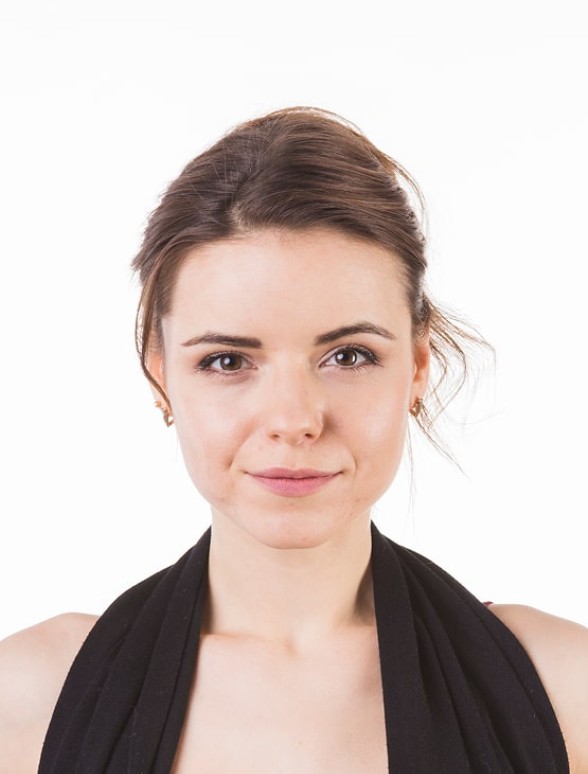
승인됨

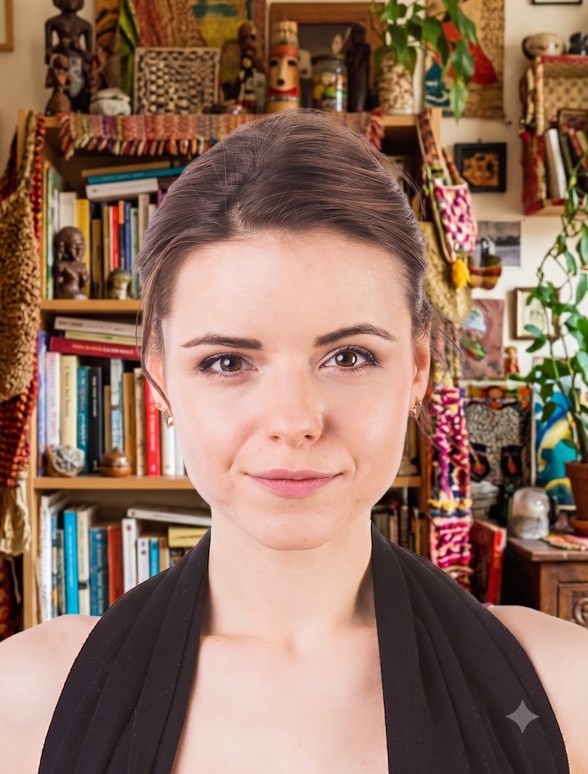
거부됨
자주 묻는 질문
사용자 후기
So quick and easy to use!
I uploaded a selfie from my phone and had a perfect passport photo in minutes. Way better than going to a photo booth. I needed a biometric photo for my passport renewal and decided to give idphotoby.ai a try instead of going to a studio.

Tyrone Kassulke
Fast, user-friendly, and reliable
It fixed the background, lighting, and even checked the official requirements. My photo was approved without any issues!

Arlene Kemmer
Professional-quality photos
I used idphotoby.ai for my child’s passport photo, which is usually a nightmare to get right. With this tool, I just uploaded a picture from my phone, and the software handled everything — The final image looked like it came from a studio.

Armando Deckow
Great service and results
I had a small issue with the background color not being accepted by my local ID office. The second version was accepted with no issues. It's rare to find this level of responsiveness and professionalism from an online tool.

Sherman Watsica
Fast, user-friendly, and reliable
It fixed the background, lighting, and even checked the official requirements. My photo was approved without any issues!
Arlene Kemmer
저희 서비스에 만족하셨나요?
저희 서비스가 어떤지 알려 주세요.
고객님의 의견은 언제나 환영합니다.
