

Наше фотографије испуњавају међународне државне стандарде.
Савети за снимање
Употребите једнобојан, светао зид без шара, намештаја или других особа иза вас.

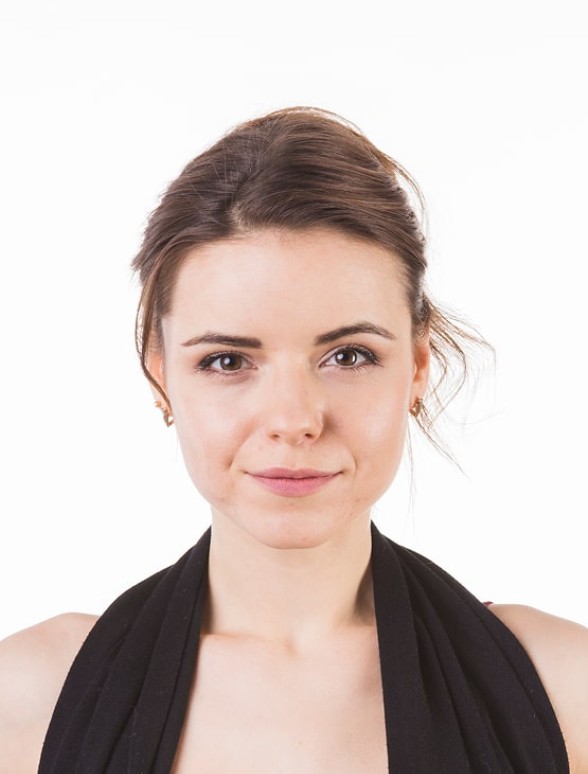
Одобрено

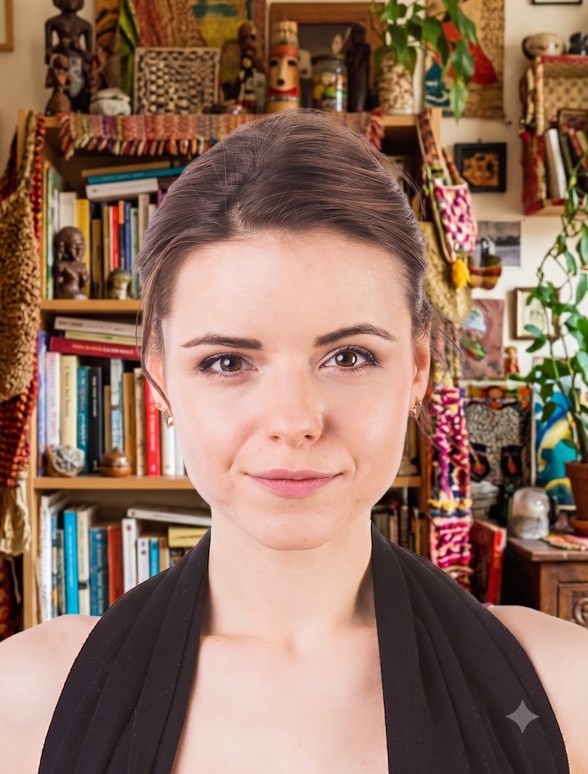
Одбијено
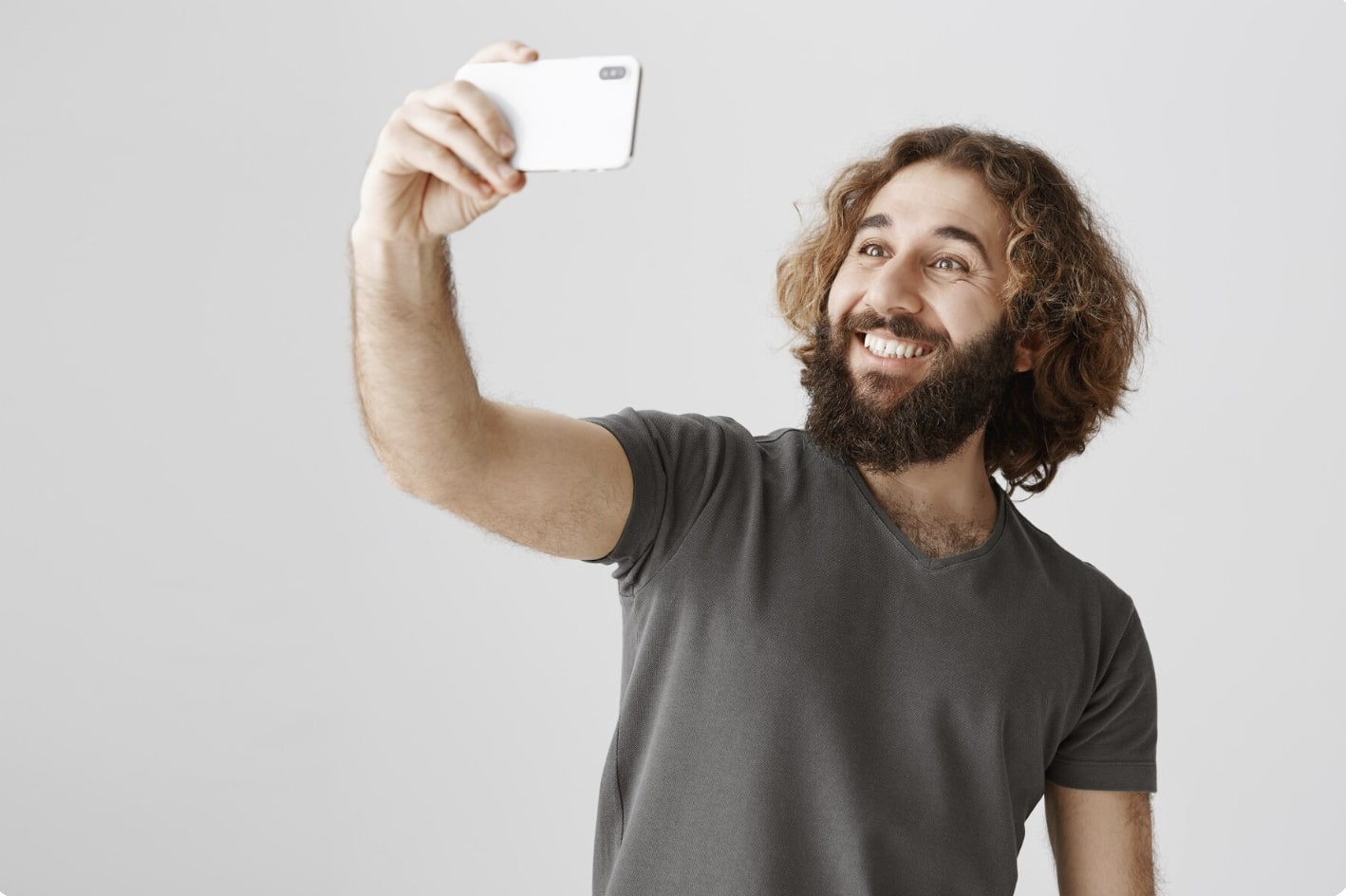
1
Одржавајте растојање
Држите предњу камеру на 16-20 inches (40-50 cm) од лица. За задње камере одржавајте растојање од 4-6 feet (1-2 meters).

2
Држите главу и тело усправно
Гледајте право у камеру и не нагињите тело. Имајте на уму да портретни режим није погодан за фотографије за пасош.
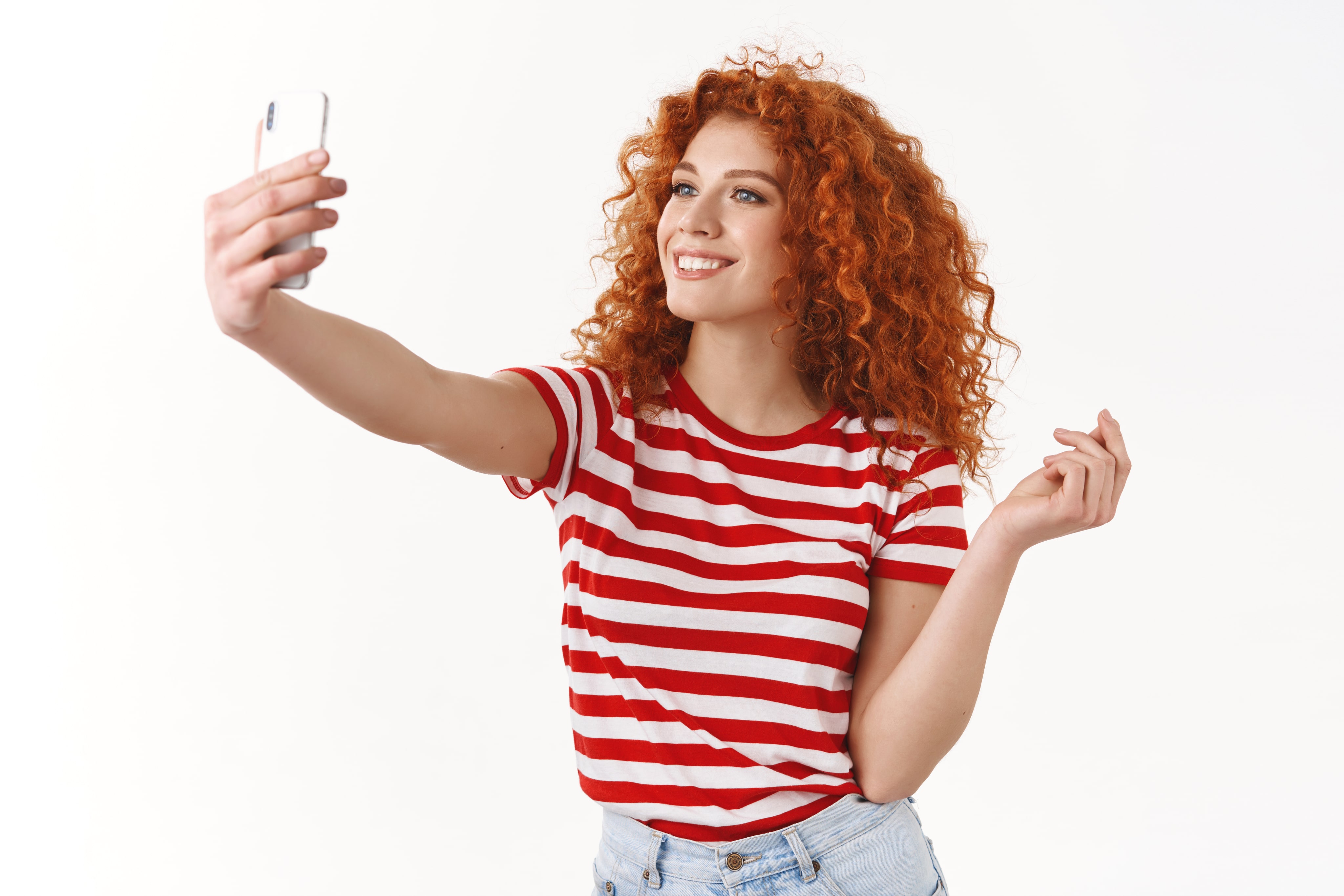
3
Обезбедите добро осветљење
Снимите фотографију за пасош при дневном светлу, на пример поред прозора по сунчаном дану. Сенке на лицу или у позадини нису прихватљиве.
Утисци наших корисника
So quick and easy to use!
I uploaded a selfie from my phone and had a perfect passport photo in minutes. Way better than going to a photo booth. I needed a biometric photo for my passport renewal and decided to give idphotoby.ai a try instead of going to a studio.

Tyrone Kassulke
Fast, user-friendly, and reliable
It fixed the background, lighting, and even checked the official requirements. My photo was approved without any issues!

Arlene Kemmer
Professional-quality photos
I used idphotoby.ai for my child’s passport photo, which is usually a nightmare to get right. With this tool, I just uploaded a picture from my phone, and the software handled everything — The final image looked like it came from a studio.

Armando Deckow
Great service and results
I had a small issue with the background color not being accepted by my local ID office. The second version was accepted with no issues. It's rare to find this level of responsiveness and professionalism from an online tool.

Sherman Watsica
Fast, user-friendly, and reliable
It fixed the background, lighting, and even checked the official requirements. My photo was approved without any issues!
Arlene Kemmer
Да ли сте задовољни нашом услугом?
Јавите нам како радимо.
Повратне информације корисника су увек добродошле.
