

Nasze zdjęcia spełniają międzynarodowe standardy rządowe.
Wskazówki dotyczące fotografowania
Użyj gładkiej, jasnej ściany bez wzorów, mebli ani innych osób za sobą.

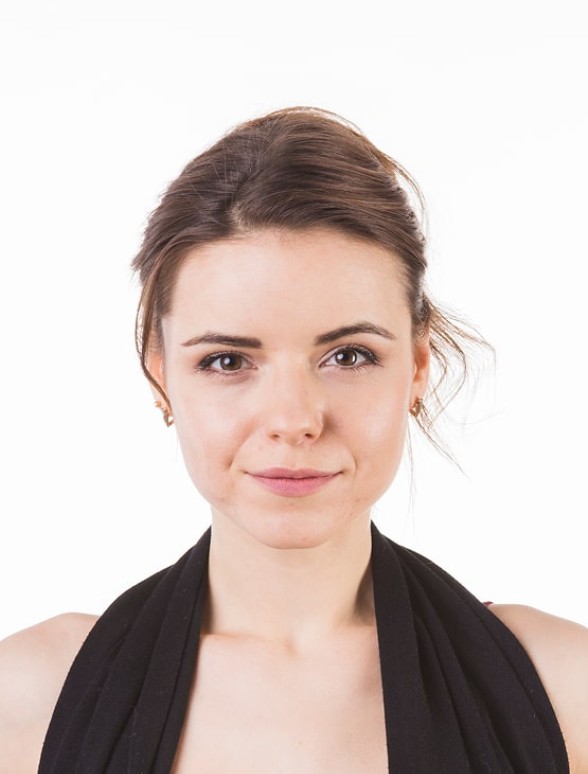
Zaakceptowano

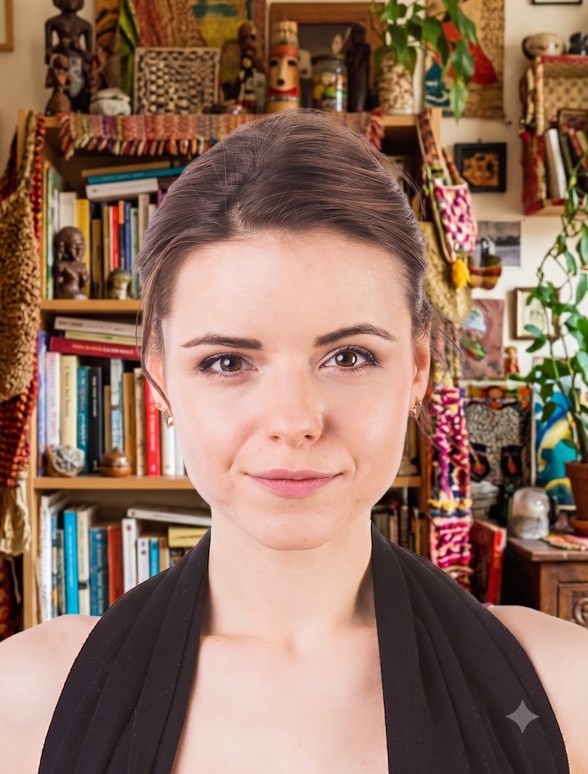
Odrzucono
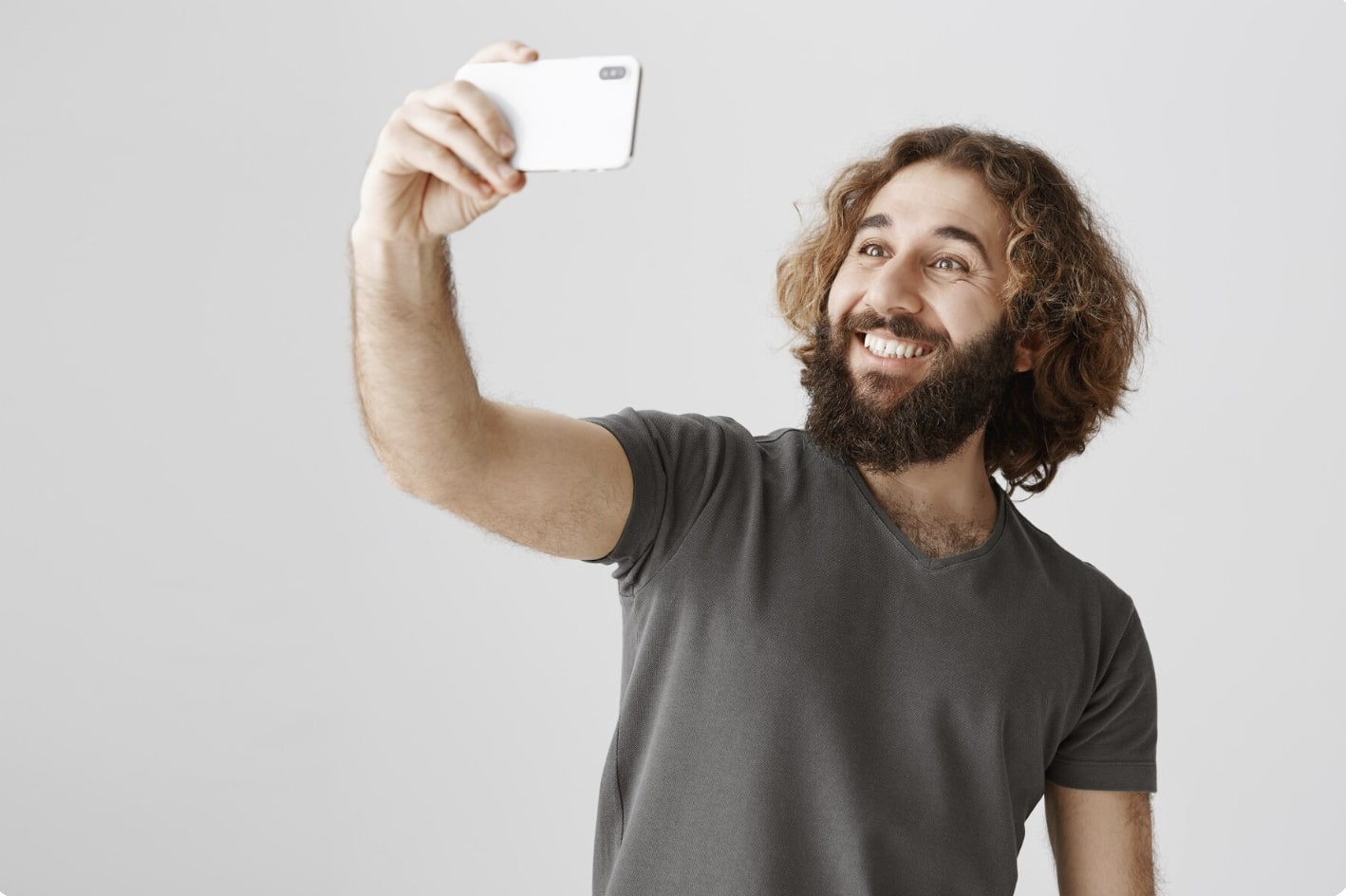
1
Zachowaj odpowiednią odległość
Trzymaj przedni aparat w odległości 16-20 cali (40-50 cm) od twarzy. W przypadku tylnych aparatów zachowaj odległość 4-6 stóp (1-2 metry).

2
Trzymaj głowę i ciało prosto
Patrz prosto w aparat i nie przechylaj ciała. Pamiętaj, że tryb portretowy nie nadaje się do zdjęć paszportowych.
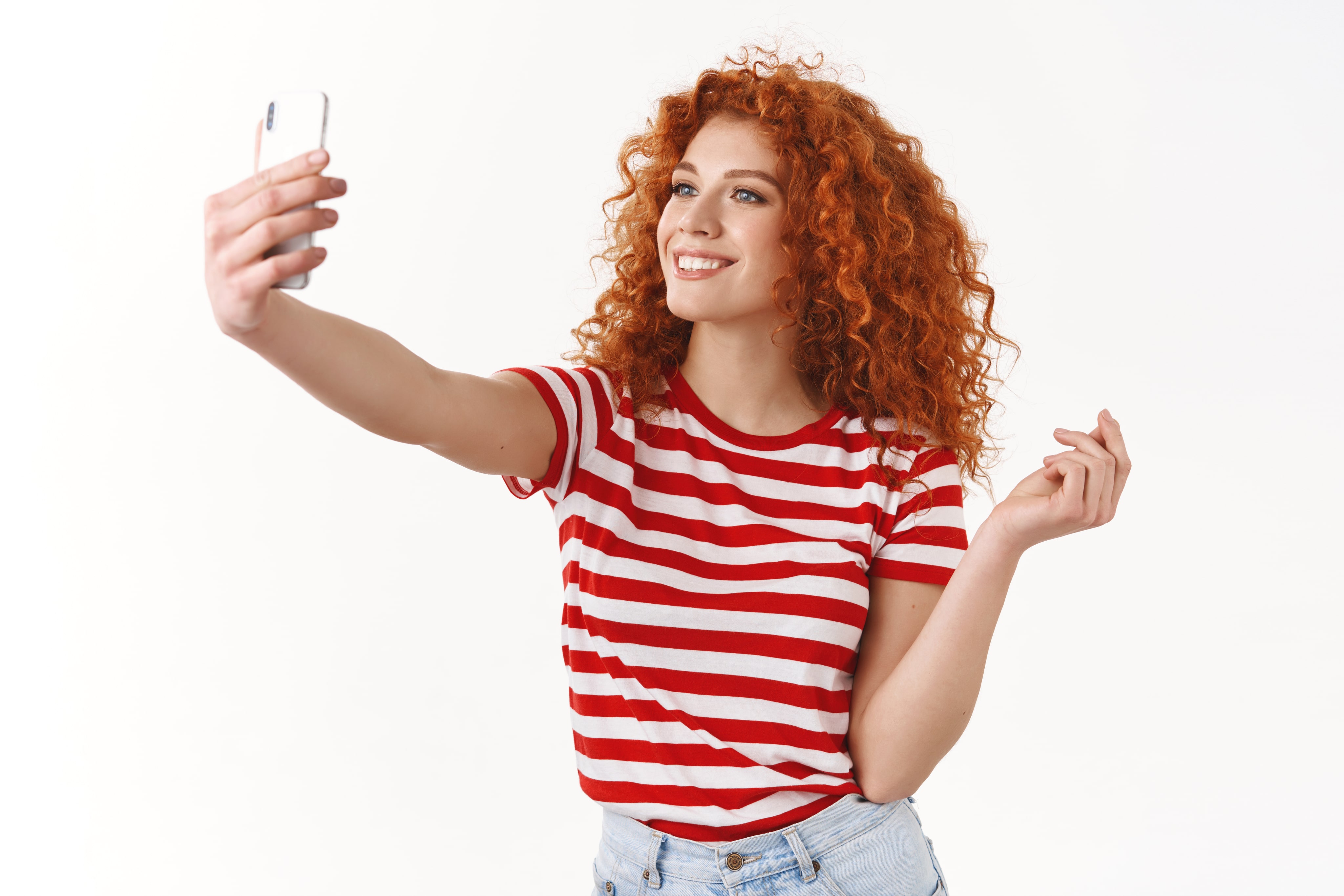
3
Zadbaj o dobre oświetlenie
Zrób zdjęcie paszportowe przy świetle dziennym, na przykład przy oknie w słoneczny dzień. Cienie na twarzy lub w tle są niedopuszczalne.
Opinie naszych użytkowników
So quick and easy to use!
I uploaded a selfie from my phone and had a perfect passport photo in minutes. Way better than going to a photo booth. I needed a biometric photo for my passport renewal and decided to give idphotoby.ai a try instead of going to a studio.

Tyrone Kassulke
Fast, user-friendly, and reliable
It fixed the background, lighting, and even checked the official requirements. My photo was approved without any issues!

Arlene Kemmer
Professional-quality photos
I used idphotoby.ai for my child’s passport photo, which is usually a nightmare to get right. With this tool, I just uploaded a picture from my phone, and the software handled everything — The final image looked like it came from a studio.

Armando Deckow
Great service and results
I had a small issue with the background color not being accepted by my local ID office. The second version was accepted with no issues. It's rare to find this level of responsiveness and professionalism from an online tool.

Sherman Watsica
Fast, user-friendly, and reliable
It fixed the background, lighting, and even checked the official requirements. My photo was approved without any issues!
Arlene Kemmer
Czy jesteś zadowolony z naszej usługi?
Daj nam znać, jak się sprawujemy.
Opinie klientów są zawsze mile widziane.
